

IAM is opt-in. With no
[[iam]] rules defined, every authenticated user has full access to all connections. Enforcement begins the moment you define your first rule — from then on, any user without a matching rule is denied.GRANT/REVOKE), pgconsole’s access control operates at the application layer. You don’t need to create database roles for each user — all users connect through shared credentials while pgconsole enforces per-user permissions, controls application-level features like export, and logs every action for auditing.
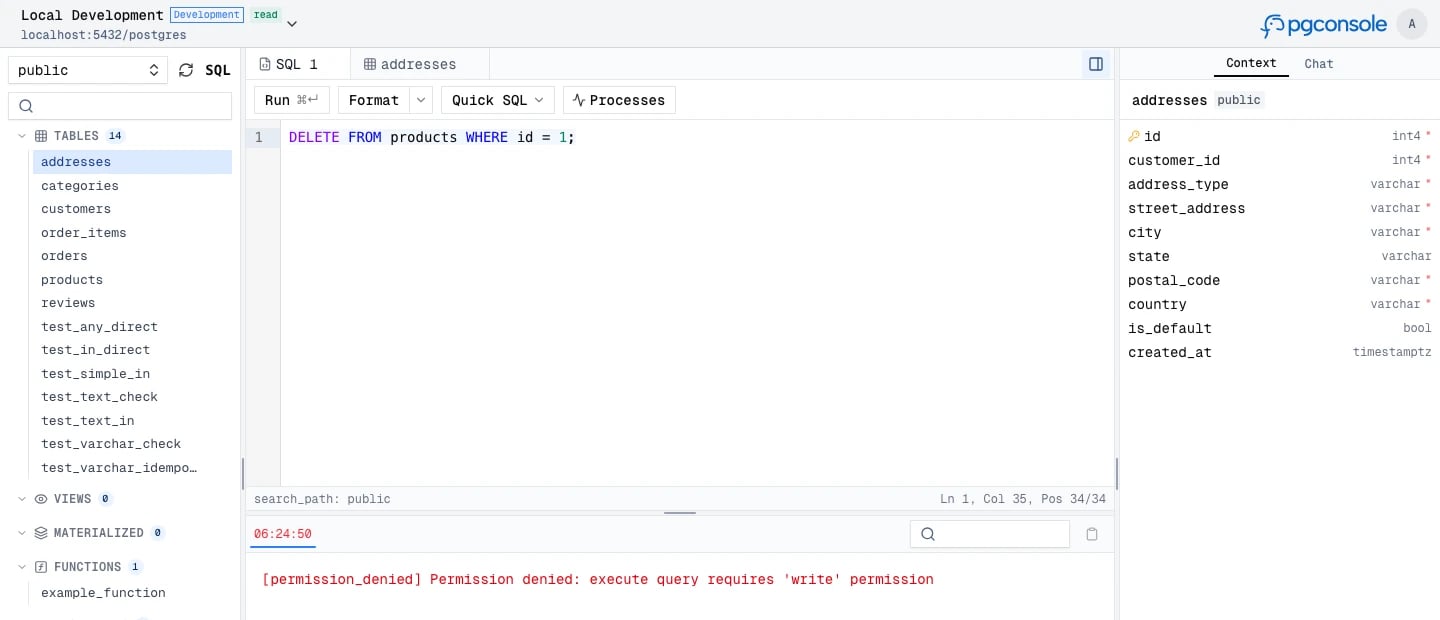
- Default deny — users have no access unless a rule explicitly grants it
- Connection-scoped — permissions are granted per database connection, not globally
- Disjoint permissions — each permission level is independent;
writedoes not implyread
Prerequisites
- Authentication must be enabled, and at least one
[[iam]]rule must be defined; otherwise, all users get full access to all connections - Users must be defined in
[[users]] - Groups (if used) must be defined in
[[groups]]
Permission Levels
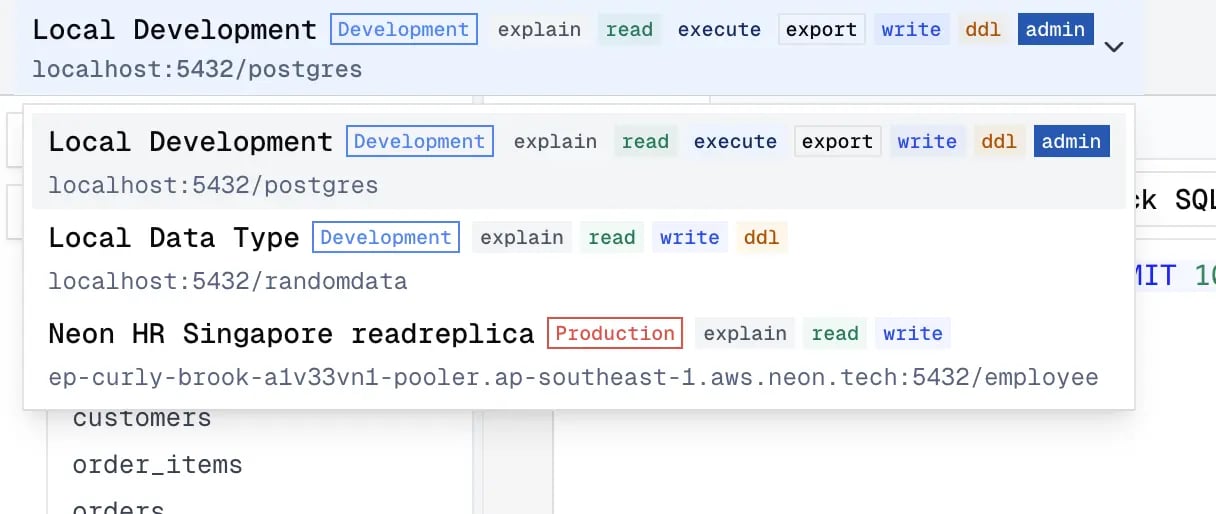
Independent permissions control what users can do:
A single SQL statement can require multiple permissions. For example,
SELECT pg_terminate_backend(123) requires both read (for the SELECT) and admin (for the function call).
The permission badge shows the user’s permissions on each connection.
Groups
Groups let you manage permissions for multiple users at once instead of listing individual emails in every IAM rule. Define groups inpgconsole.toml with [[groups]] sections:
pgconsole.toml
Defining Rules
Each[[iam]] rule specifies a connection, a set of permissions, and a set of members.
pgconsole.toml
Targeting Connections
Targeting Members
Granting Permissions
List individual permissions or use the shorthand:pgconsole.toml
Common Patterns
Read-Only Access for Everyone, Full Access for DBAs
pgconsole.toml
Environment-Based Access
pgconsole.toml
Analyst with Export Access
pgconsole.toml
Write Access on Staging Only
pgconsole.toml
read on all connections and read + write on staging.